Category: Buying Guides

  • Do Portable Printers Use Regular Paper? What to Check

    Some portable printers accept regular plain paper. Others require thermal media or another specific supply. The word portable describes how a device is used or carried; it does not tell you which paper it accepts.

    The reliable answer is in the supported-media section of the exact model’s documentation. Check paper type, size and weight together before buying a printer or replacement paper. This is a research-based guide, not a product test.

    A portable printer can support plain paper

    Canon lists plain paper among the supported media for its US PIXMA TR160. It specifies a plain-paper weight range of 64–105 gsm and a 50-sheet plain-paper rear tray. The printer uses ink tanks. Those details establish compatibility for this model; they should not be applied to every portable printer.

    If using the paper already in your office is essential, put that requirement at the top of your shortlist. Check its packaging against the printer’s specifications rather than relying on a listing that only says “full-page printing.”

    Thermal media is a different requirement

    Phomemo’s support guidance for its thermal printers tells users to use thermal paper with the printing side facing the print head. It also identifies unsupported paper and incorrect orientation as possible causes of blank output. Follow the instructions for your own model; a general troubleshooting page covers several different products.

    For a device specified as direct thermal, ordinary uncoated office paper is not a replacement for the required heat-sensitive media. Treat the consumable as part of the printer choice, rather than an accessory you can decide on later.

    Three compatibility checks to make together

    First, identify the media type by its full name. Plain paper, thermal sheets, labels and specialty transfer media are not interchangeable descriptions. If the listing is ambiguous, ask for the relevant manual page.

    Second, verify the actual dimensions. For a US document workflow, look for explicit support for the size your files and recipients require. A product name containing A4 or Letter is not a reason to skip the supported-size table.

    Third, check the physical format and loading instructions: individual sheets, a roll, a stack or another supply format. Make sure the replacement supply is listed for your specific printer, not merely a similar-looking model.

    Budget for the paper you can actually use

    Compare supply costs using the number of usable documents you expect to produce. A hypothetical $24 pack that yields 120 usable documents represents 20 cents per document for paper alone. This is an arithmetic example, not a quoted product price or measured yield. Ink, other supplies and wasted pages would be additional costs where applicable.

    For travel, also ask where you will obtain replacements. A supply that is convenient at home may require advance planning for a trip. Pack a labeled reserve and retain the exact product code so reordering does not become a guessing exercise.

    Before buying: complete this sentence

    “This exact printer accepts ___ media, in ___ size and ___ format, with these weight or loading limits: ___.” If you cannot fill in every blank from the documentation, resolve the missing information before ordering.

    Sources and related guides

    Model-specific examples come from Canon’s US PIXMA TR160 specifications and Phomemo’s thermal-printer support guidance, checked October 19, 2026. We have not tested these printers or measured their consumable yields.

    Continue with portable vs. compact printers and AirPrint vs. Bluetooth for iPhone printing.
  • Portable vs. Compact Printers: Which Do You Actually Need?

    Portable vs. Compact Printers: Which Do You Actually Need?

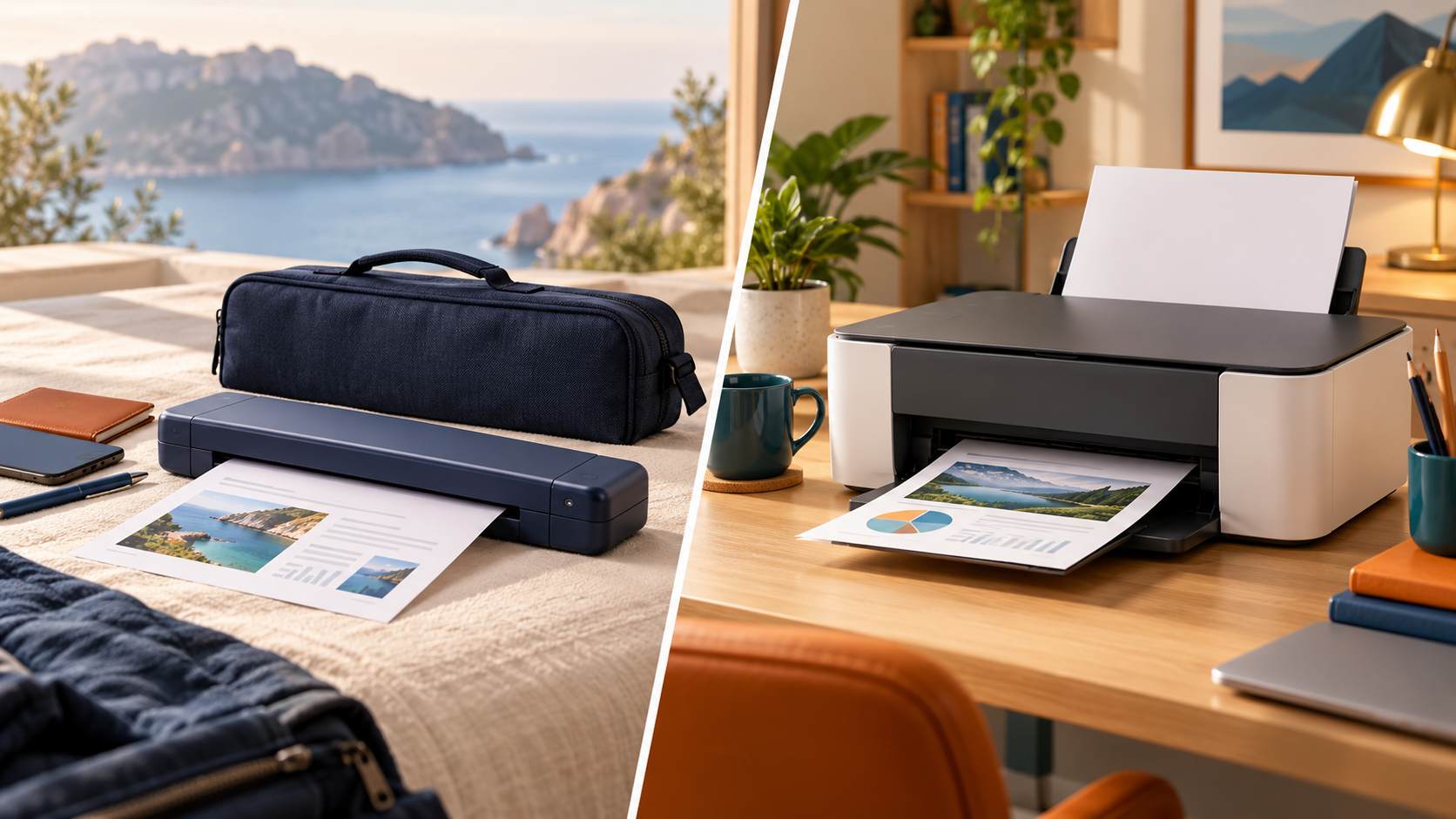
    A portable printer solves a transport problem. A compact printer solves a space problem. Start with where you need to print, then check the paper, power and connection requirements of the exact model.

    This is a research-based buying framework, not a hands-on product test. The model examples below illustrate specifications rather than a ranking.

    Start with one question: will the printer leave your desk?

    Write down the places where you expect to print in a typical month. If every job happens at the same desk, carrying weight may matter less than usable desk space, paper handling and replacement supplies. If you need to print at customer sites, include the entire travel kit in your decision: printer, battery, charger, cable, paper and case.

    For this guide, portable means a printer intended to be carried between locations. Compact means a printer that takes up relatively little space. These descriptions can overlap; neither word alone guarantees battery operation, scanning or a specific paper size.

    Measure the working footprint, not just the closed box

    A printer can fit on a shelf when closed yet need substantially more room to print. As a documented example, Canon lists the PIXMA TR160 at 12.7 × 7.3 × 2.6 inches closed and 12.7 × 12.1 × 9.7 inches with paper installed. Those figures describe this model, not a standard for portable printers.

    Before buying, mark the available surface with removable tape. Include clearance for loading paper, retrieving output and plugging in cables. A measurement of the storage space alone will not answer whether you can use the printer there.

    Battery operation is a separate requirement

    Canon lists an optional LK-72 battery for the TR160 and specifies that it is not included. Brother similarly describes the PocketJet PJ-883 as a printer-only configuration requiring DC power or an optional battery, a USB cable and printing supplies. Check the contents of the exact bundle rather than assuming a mobile label includes everything.

    Make two lists: what you need to carry and what you can reliably access at the destination. If an outlet is uncertain, battery support belongs on the essential list. Also check the manufacturer’s charging instructions; a USB port description is not enough to establish which power source will work.

    Check the document before choosing the technology

    List your most demanding routine document: its page size, whether it needs color, and whether the recipient requires a particular paper type. Then compare that requirement with the supported media in the manual. Do not start with the smallest device and hope the document will fit.

    The TR160 example supports plain paper and uses ink tanks. Brother identifies the PJ-883 as a thermal mobile printer. These are different printing approaches, so compare their required supplies and supported media before treating them as interchangeable options.

    Use a simple decision worksheet

    Complete these sentences before comparing models: “I print at ___ locations each month.” “My largest required document is ___.” “Color is essential / optional / unnecessary.” “I can / cannot rely on an outlet.” “The full kit must fit in ___.” “My setup budget includes ___ for accessories and supplies.”

    For a printer that stays home, prioritize the working footprint and the tasks you repeat. For a printer that travels, prioritize the complete carry kit and the conditions at the destination. If your main task is turning paper into a PDF, check whether you need a scanner instead of a printer.

    What to verify before ordering

    Confirm the US model number, supported paper sizes, included battery and charger, device compatibility, working dimensions and replacement supplies. Save the relevant manual page alongside your shortlist so a retailer’s abbreviated description does not become your only reference.

    A useful choice is the device that fits your actual documents and locations. Portability is worth paying for when it removes a real obstacle in your workflow.

    Sources and scope

    Technical examples checked against Canon’s US PIXMA TR160 specifications and Brother’s US PJ-883 product information on October 19, 2026. We have not tested these products. No price or stock comparison is implied. Read our editorial approach.

    Next decisions to check

    Before narrowing your shortlist, confirm whether the printer uses regular paper. For iPhone printing, understand the difference between AirPrint and Bluetooth so your intended connection matches the printer’s supported workflow.